Channels per project & team
Every project, activity, and department gets a channel automatically, scoped by the same roles that govern the ERP.
Most chat apps are a separate island from the system where work actually happens. In Prime RP, every channel, thread, and direct message lives next to the project, approval, task, or invoice it is about — so a conversation can become an action without copy-pasting between tools.
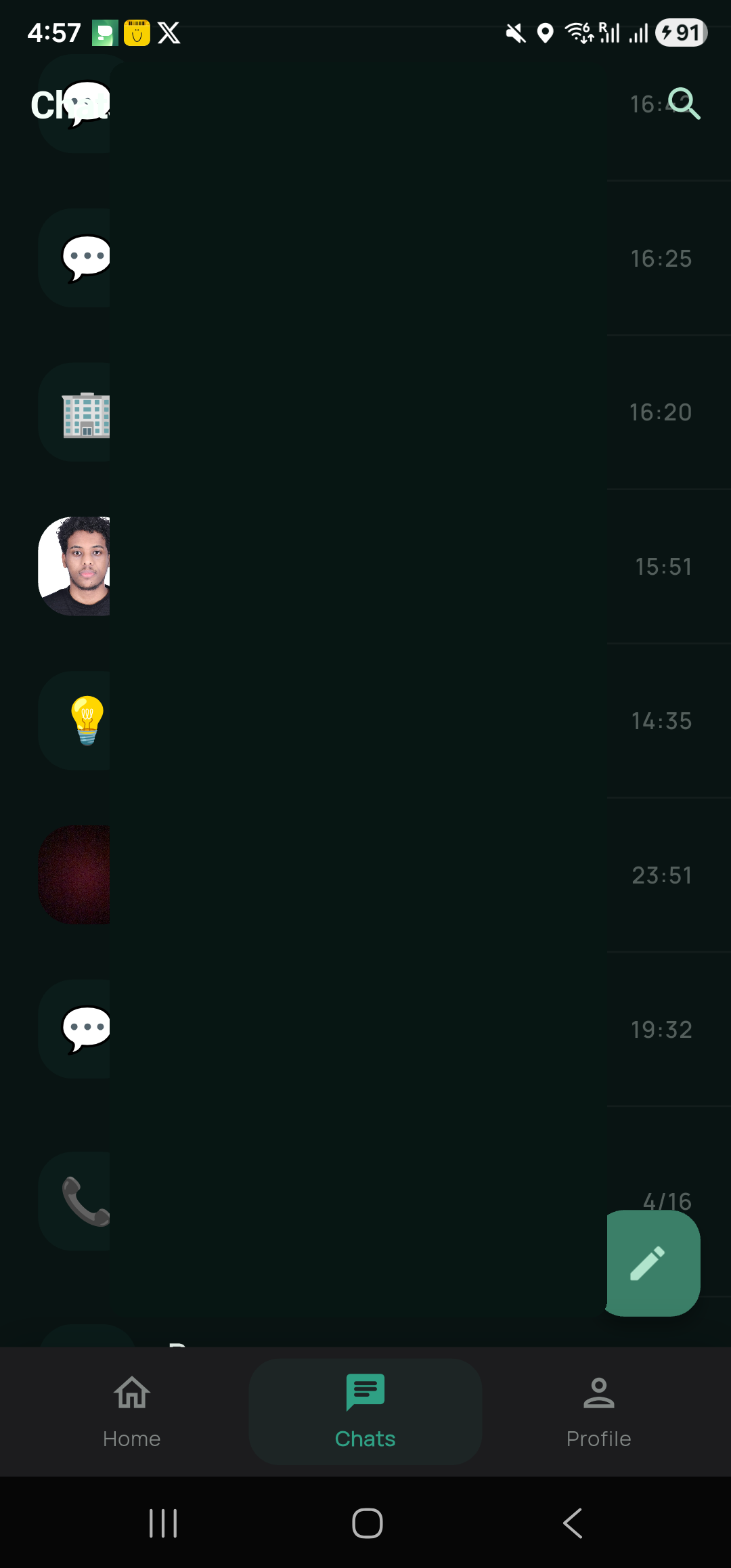
Illustrative interface — an approval request rendered inline inside a project channel.
What makes it different
Every project, activity, and department gets a channel automatically, scoped by the same roles that govern the ERP.
Reply in a thread that is permanently linked to the sub-project, invoice, or task it concerns — searchable forever.
Type /task, /approve, or /call to create work or start a video call without leaving the conversation.
When a step lands in your queue, the relevant channel surfaces it inline with one-tap approve/return — no separate inbox to babysit.
Operational threads are retained with the records they touch, so audits see the full conversation behind every decision.
| Capability | Standalone chat app | Prime RP |
|---|---|---|
| Real-time channels & DMs | Yes | Yes |
| Linked to projects, tasks & approvals | Via integrations | Native |
| Approve work inside a message | No | Yes |
| Role-based visibility from your ERP | Separate setup | Inherited |
| Audit trail tied to records | Limited | Full |
FAQ
Watch a real approval move from a project channel to done in under a minute.