Full oversight
See and manage every project, item, and team from one super-admin cockpit.
Super-admin oversight of every project, team, user, and import — with role and sub-role controls that decide who can do what across the entire platform. The cockpit for the people who run Prime RP.
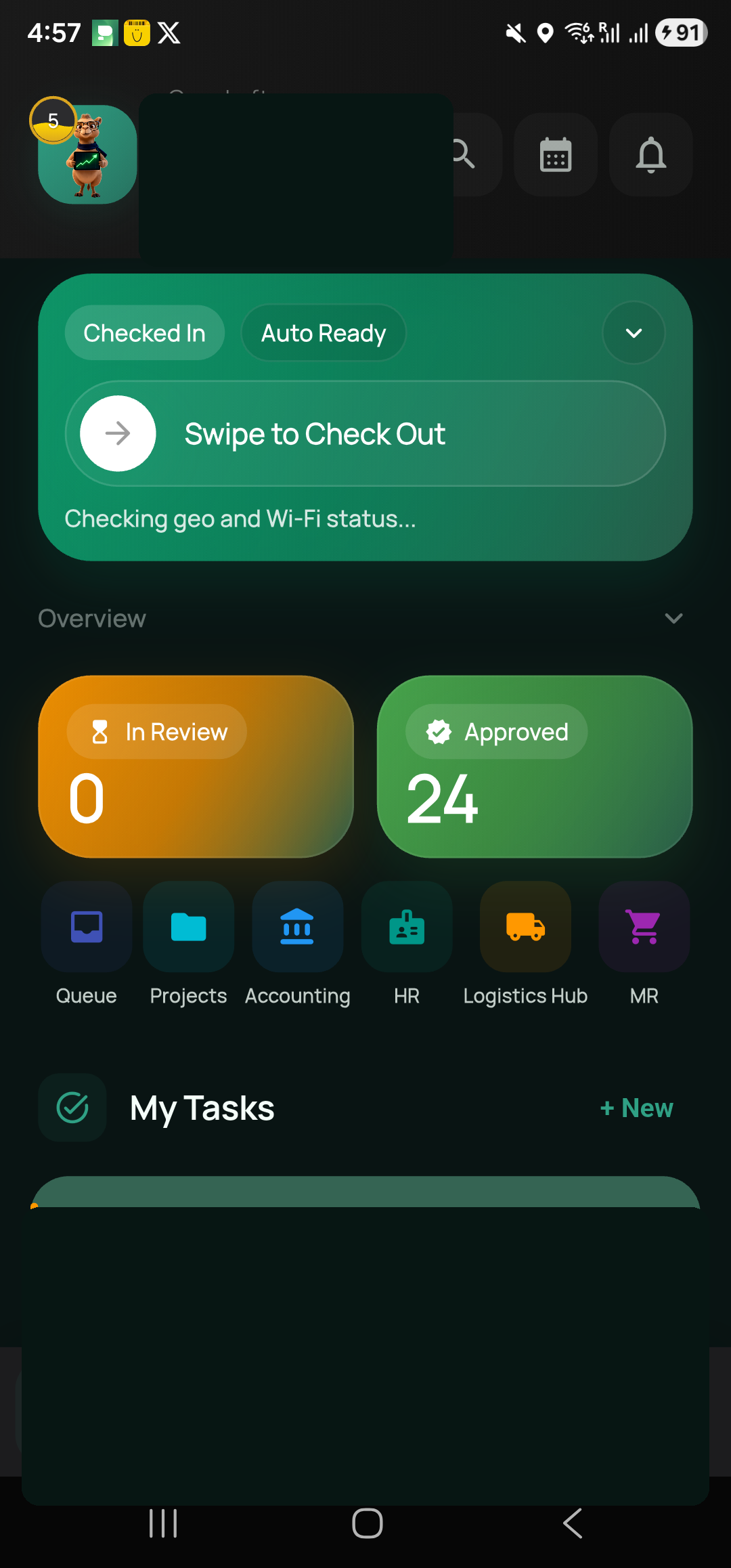
Illustrative interface — org-wide oversight of projects, teams, and access.
What makes it different
See and manage every project, item, and team from one super-admin cockpit.
Grant precise access — e.g. admin with super sub-role — that governs every module.
Manage teams, managers, members, and cost rates in one place.
Run and audit bulk imports with import runs that track what changed and when.
Maintain clients, divisions, companies, holidays, and the item master centrally.
Administrative actions are attributed and logged, keeping governance accountable.
| Capability | Scattered admin tools | Prime RP |
|---|---|---|
| Single org-wide cockpit | No | Yes |
| Role + sub-role across modules | Per app | Unified |
| Audited bulk imports | No | Yes |
| Central reference data | No | Yes |
| Attributed change log | Partial | Yes |
FAQ
See org-wide oversight and access control in action.